
Get Started
1. Install FlowMark
Section titled “1. Install FlowMark”- Click the “Download” button in the top-right corner.
- Select the latest build for your platform and download the app.
- Open the downloaded file and follow the installation steps.
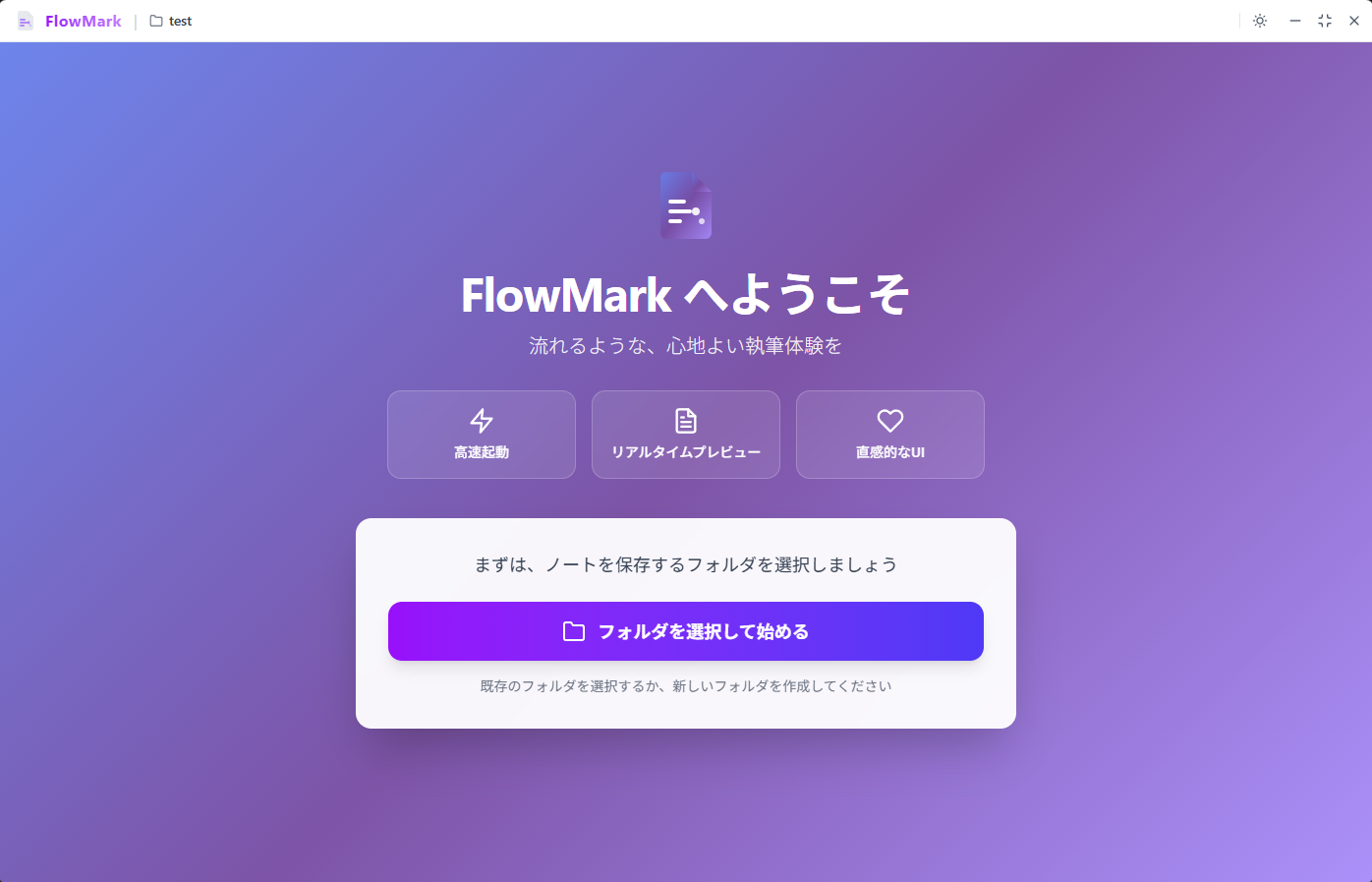
2. Select Your Notes Folder
Section titled “2. Select Your Notes Folder”- Launch FlowMark.
- Choose the root folder where your Markdown files are stored.
- FlowMark will load files from the folder and start managing your notes.
3. Start Editing
Section titled “3. Start Editing”You can immediately start organizing and editing your notes. FlowMark provides a Markdown editor, folder-based management, Front Matter support, auto-save, and file watching to support your workflow.